Overview
This is a comprehensive guide on integrating Guardrails with LangChain, a framework for developing applications powered by large language models. By combining the validation capabilities of Guardrails with the flexible architecture of LangChain, you can create reliable and robust AI applications.Key Features
- Easy Integration: Guardrails can be seamlessly added to LangChain’s LCEL syntax, allowing for quick implementation of validation checks.
- Flexible Validation: Guardrails provides various validators that can be used to enforce structural, type, and quality constraints on LLM outputs.
- Corrective Actions: When validation fails, Guardrails can take corrective measures, such as retrying LLM prompts or fixing outputs.
- Compatibility: Works with different LLMs and can be used in various LangChain components like chains, agents, and retrieval strategies.
Prerequisites
- Ensure you have the following langchain packages installed. Also install Guardrails
- As a prerequisite we install the necessary validators from PyPI:
CompetitorCheck: Identifies and optionally removes mentions of specified competitor names.ToxicLanguage: Detects and optionally removes toxic or inappropriate language from the output.
Basic Integration
Here’s a basic example of how to integrate Guardrails with a LangChain LCEL chain:- Import the required imports and do the OpenAI Model Initialization
- Create a Guard object with two validators: CompetitorCheck and ToxicLanguage.
- Define the LCEL chain components and pipe the prompt, model, output parser, and the Guard together. The
guard.to_runnable()method converts the Guardrails guard into a LangChain-compatible runnable object.
- Invoke the chain
Advanced Usage
LangSmith Integration
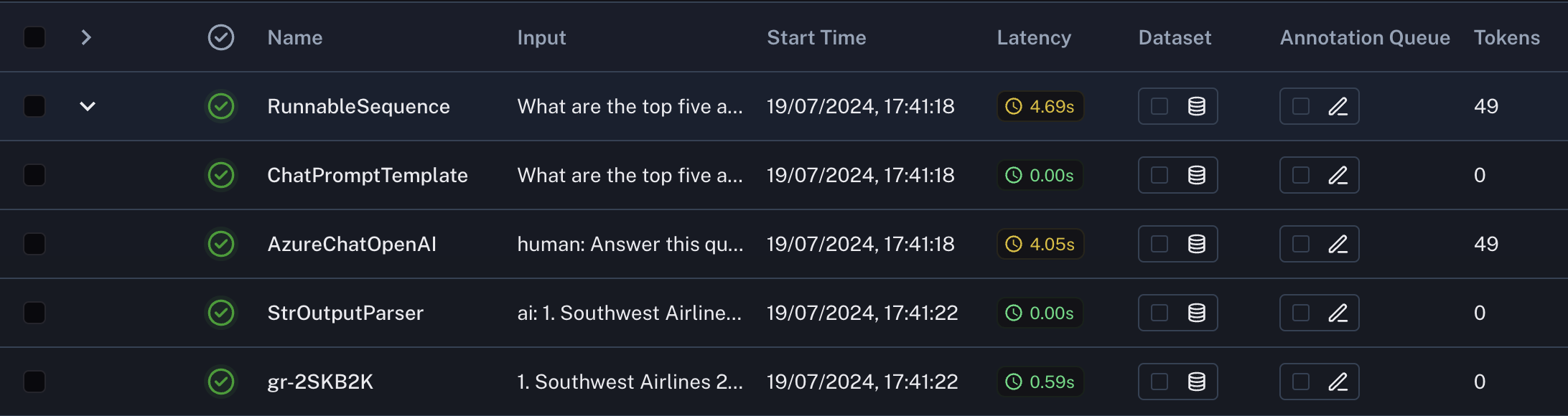
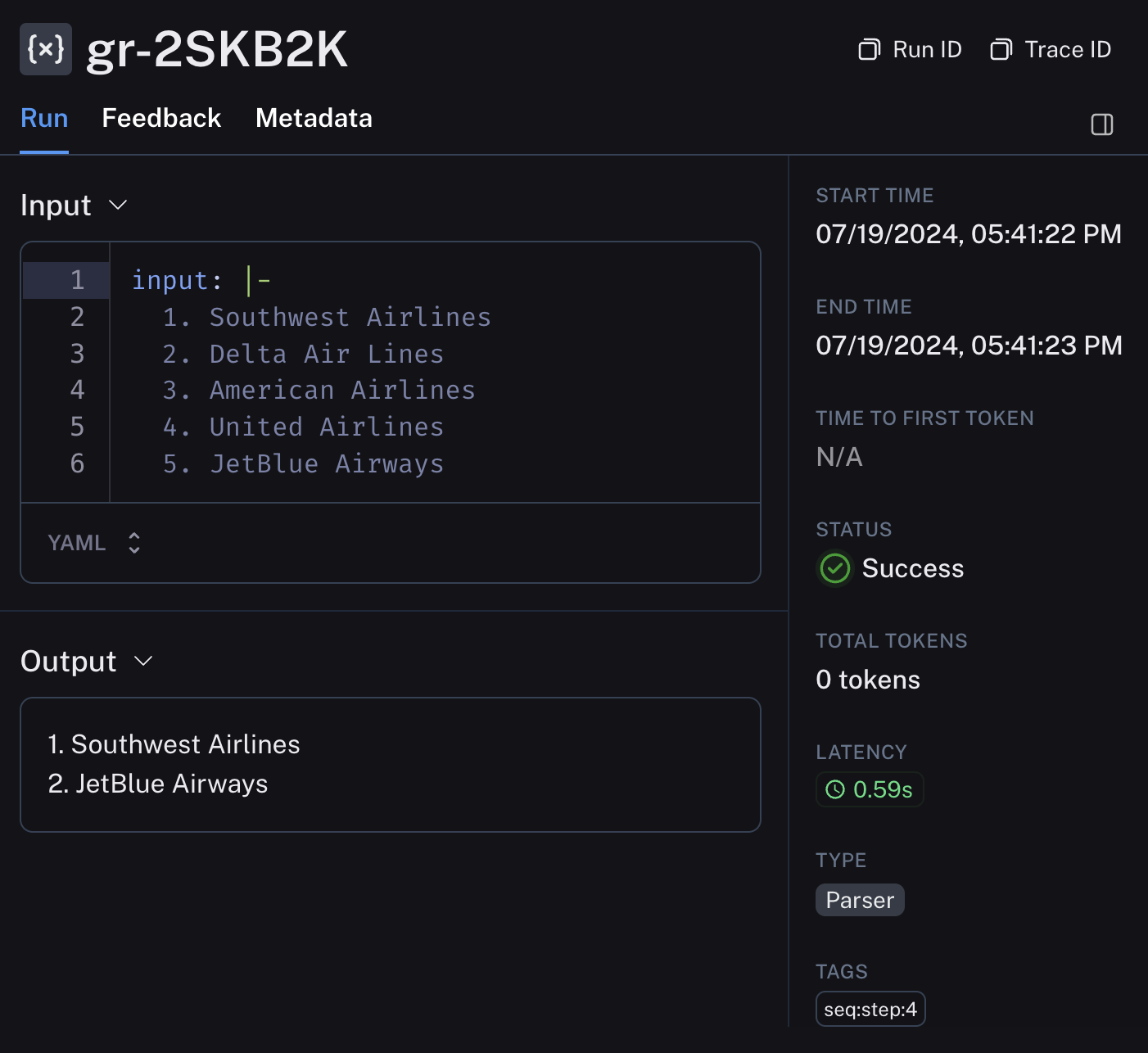
LangSmith is a powerful tool for tracing, monitoring, and debugging your AI applications. Here’s how to use it with your Guardrails-enhanced LangChain:- Set up Langsmith:
- View traces in the Langsmith UI to analyze:
- LLM inputs and outputs
- Guardrails validator results
- Performance metrics
- Error logs